Quoting
Save time and increase the accuracy of estimating with MIE Trak Pro’s quoting functionality which allows you to personalize formulas, track win/loss, and create quotes based on true costing data.
Learn more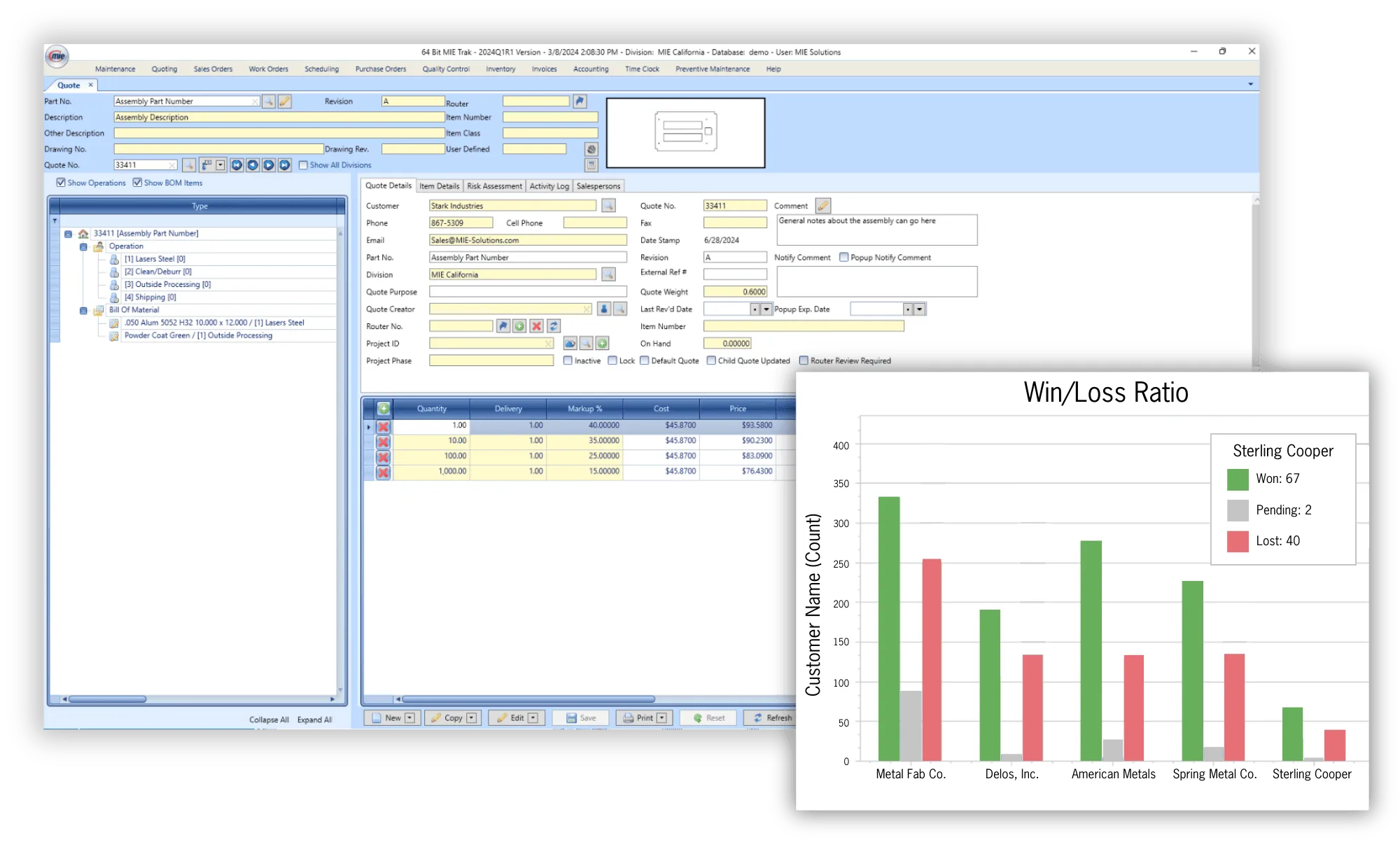

Scheduling
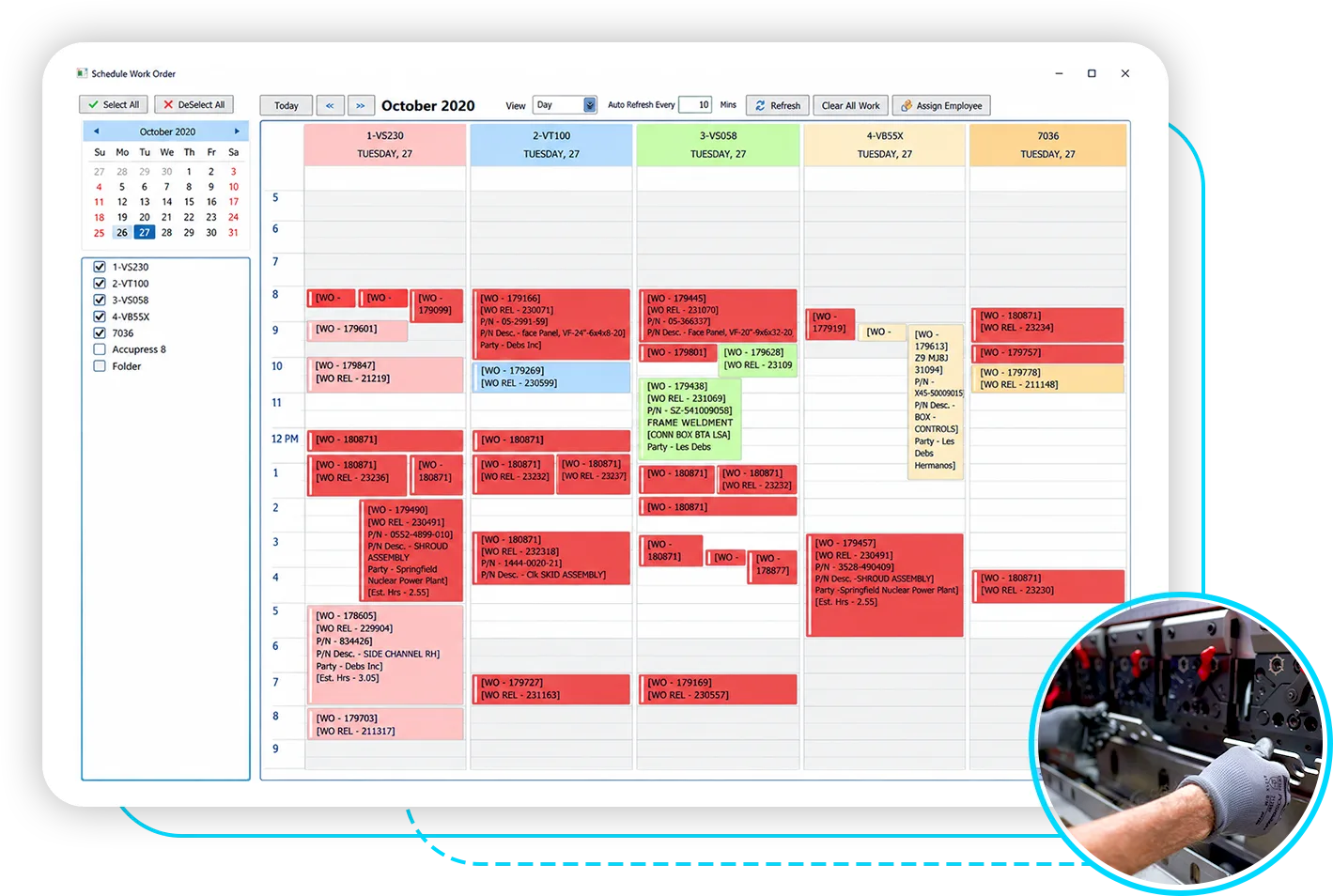
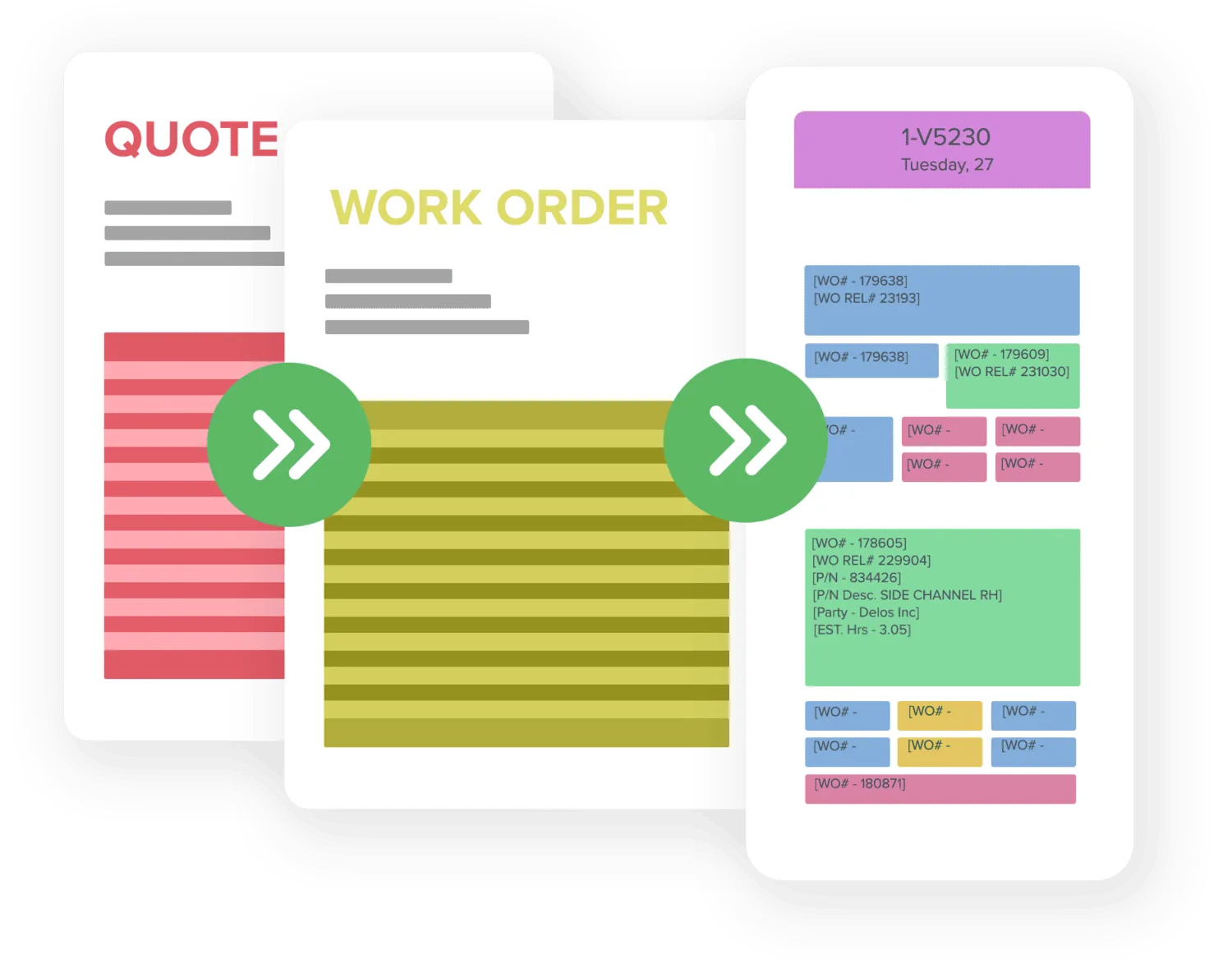
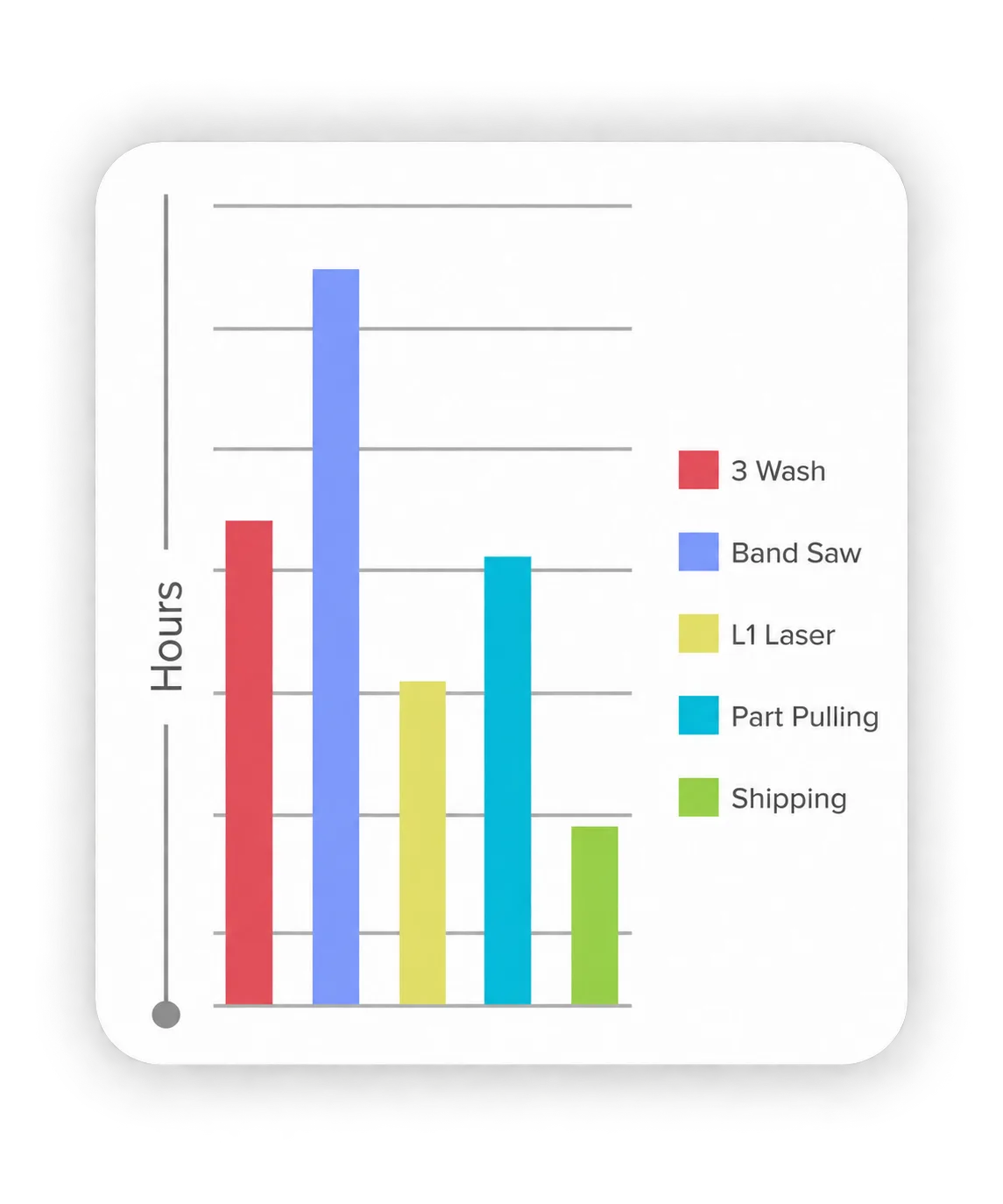
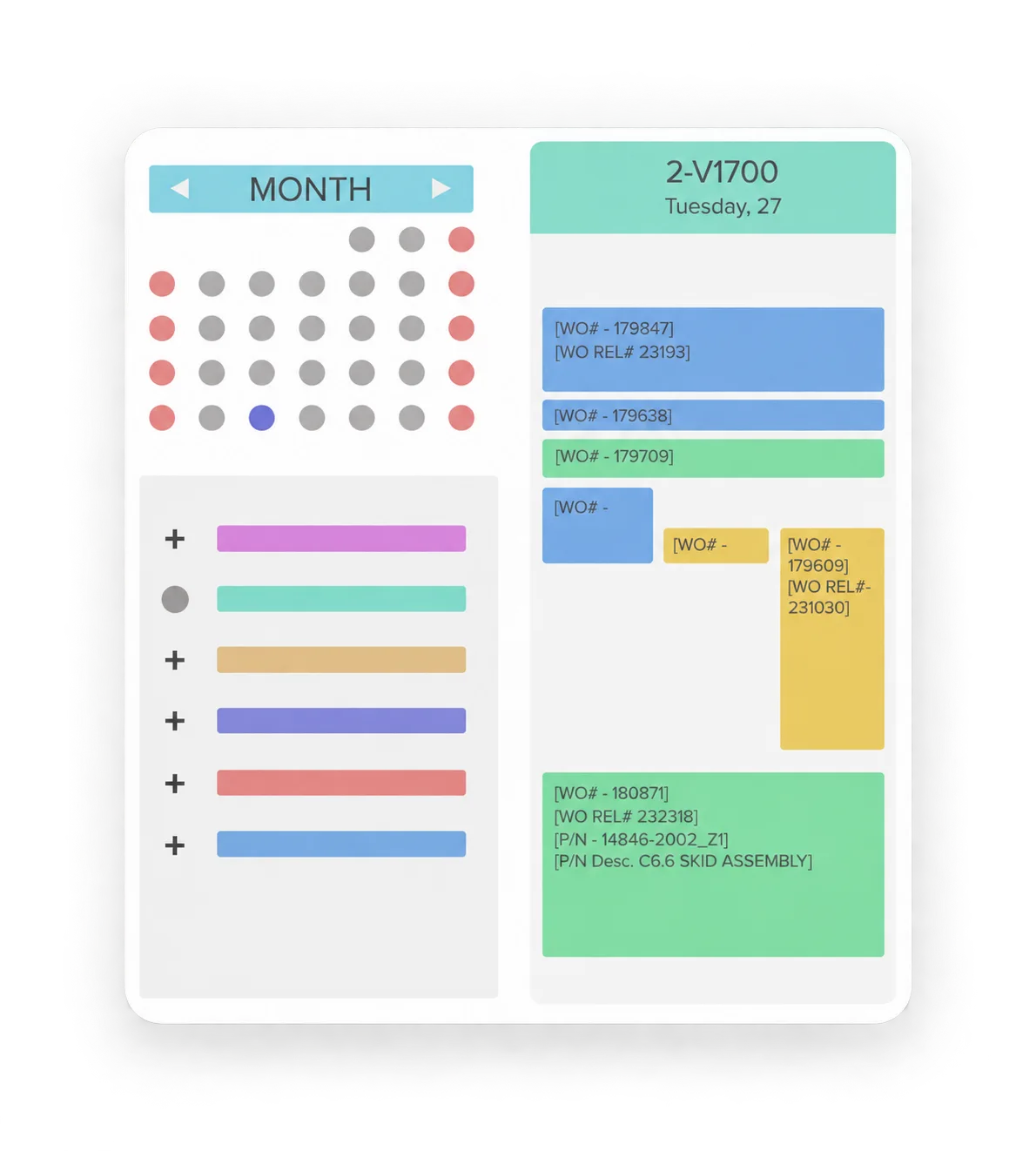
MIE Trak Pro offers real-time visibility, AI simulation, and drag-and-drop control to fit how you schedule and not the other way around.
Book a 1-on-1 session to see exactly how MIE Trak Pro handles your unique challenges.

Andrew Ortega
ERP expert
Here are just a few additional features that you can expect with MIE Trak Pro Scheduling.

Free Whitepaper
Save time and increase the accuracy of estimating with MIE Trak Pro’s quoting functionality which allows you to personalize formulas, track win/loss, and create quotes based on true costing data.
Learn more 
Take your quote and create a Sales Order in just a few clicks. Sales Orders can be created from an RFQ, Quote, PDF, EDI, and more—depending on your team’s workflow.
Learn more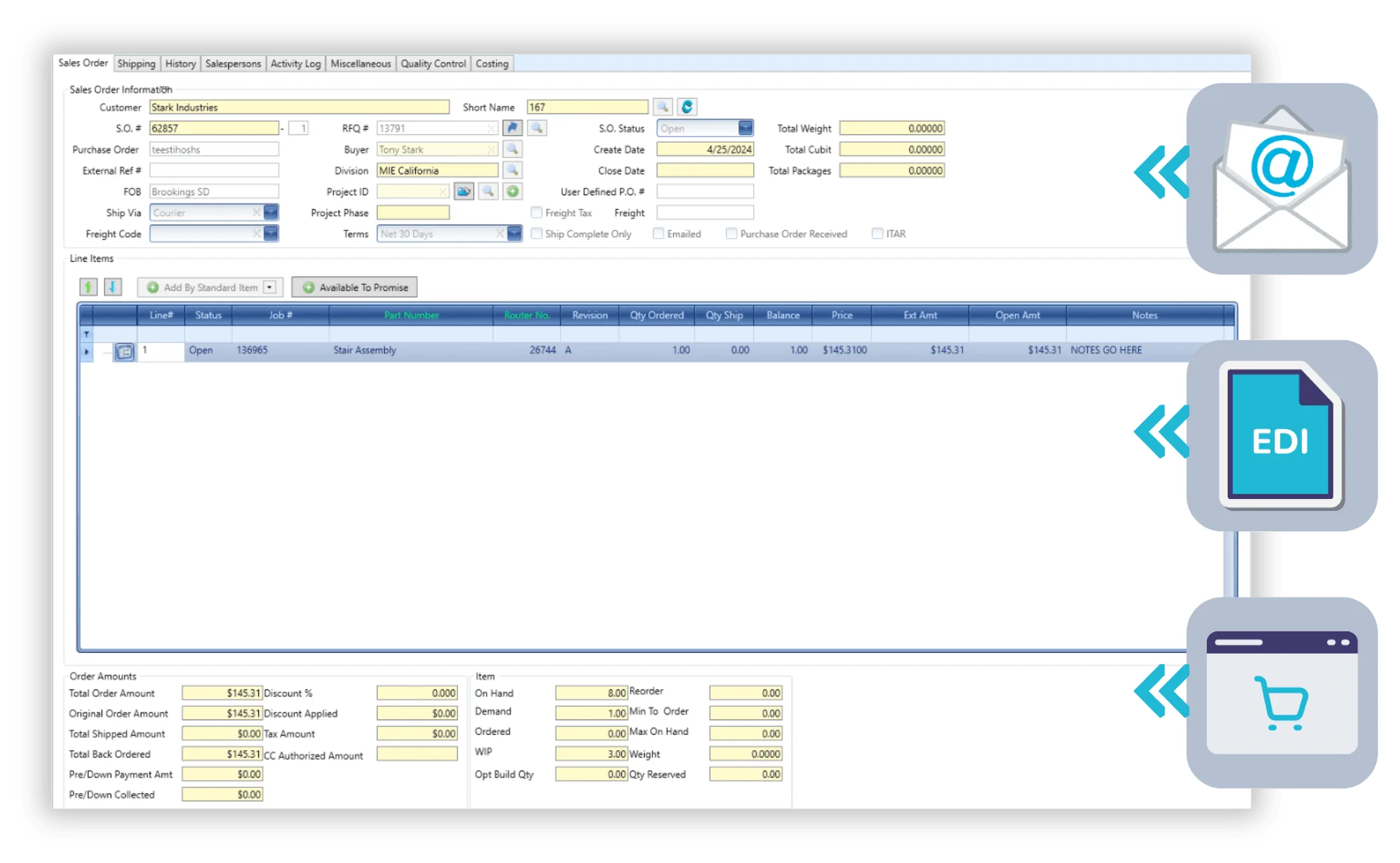
Gain insights into your production environment with MIE Trak Pro’s Work Order module. See all the information you want related to production in real-time.
Learn more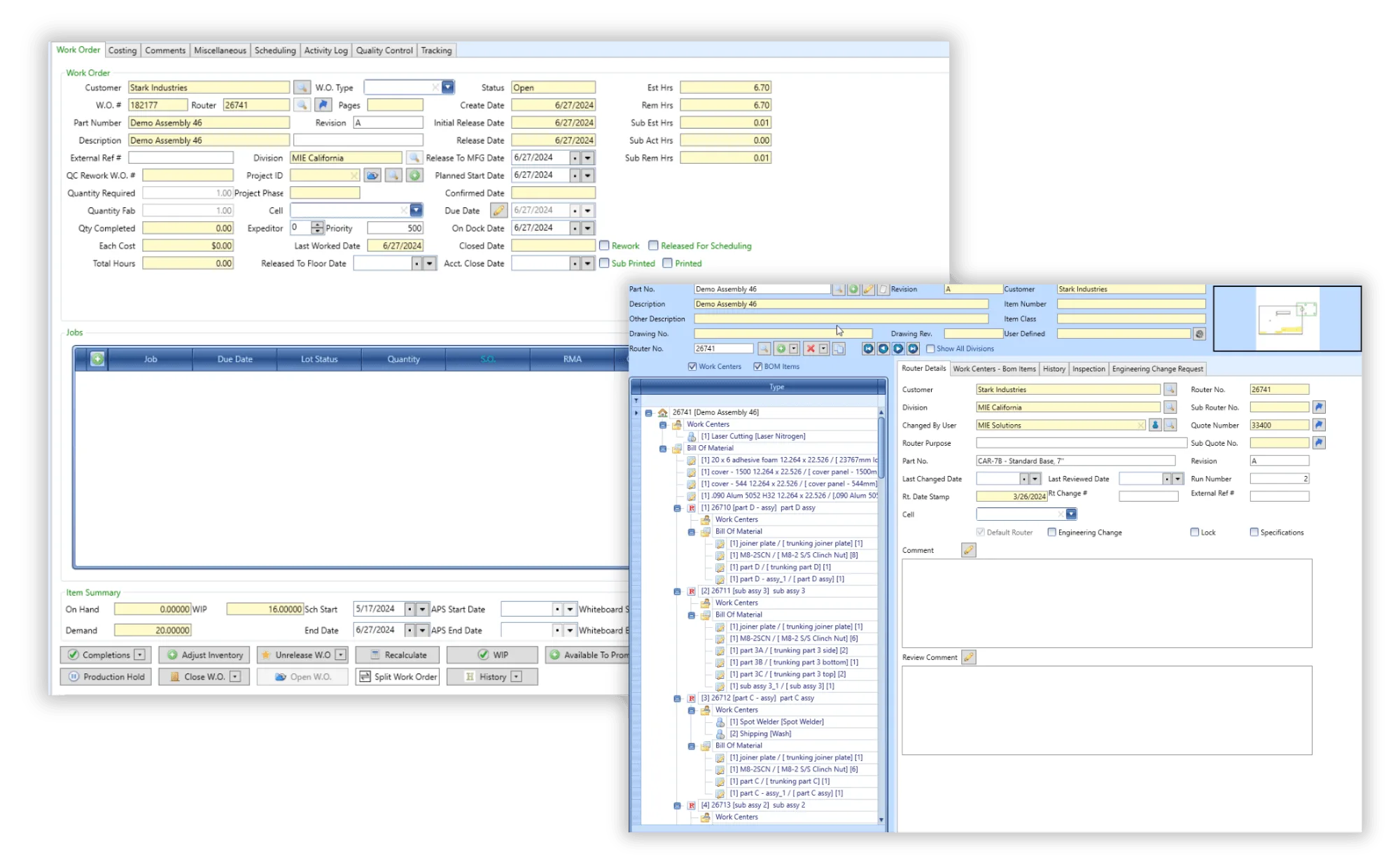

Schedule production quickly and accurately with forward finite, backward infinite, and calendar-based drag-and-drop scheduling. Take the guesswork out of scheduling employees and machines to jobs.
Learn more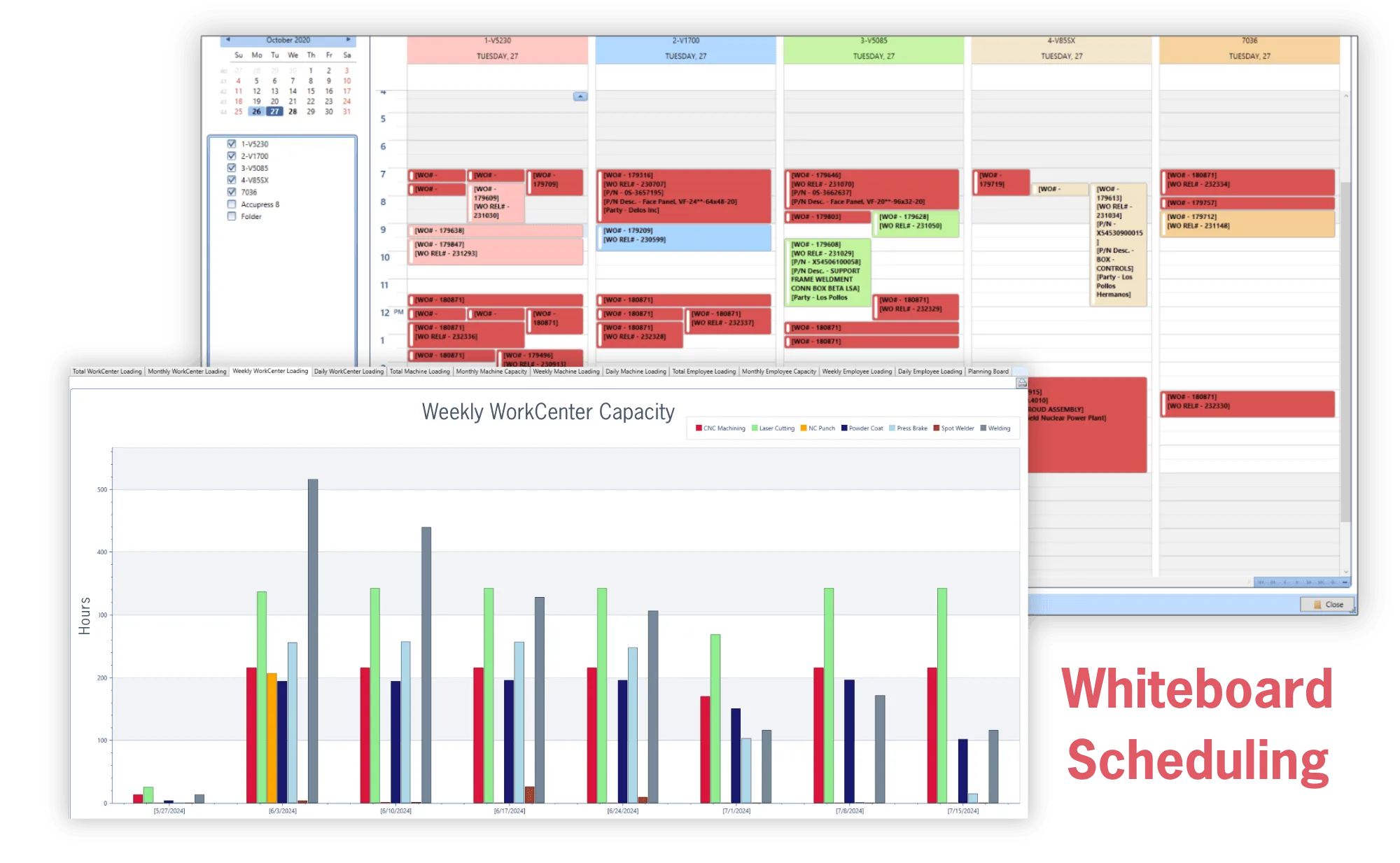

Make purchasing easy and efficient with MIE Trak Pro’s Purchasing module. Order material based on MRP forecasting, min/max reorder points, production demand, and more.
Learn more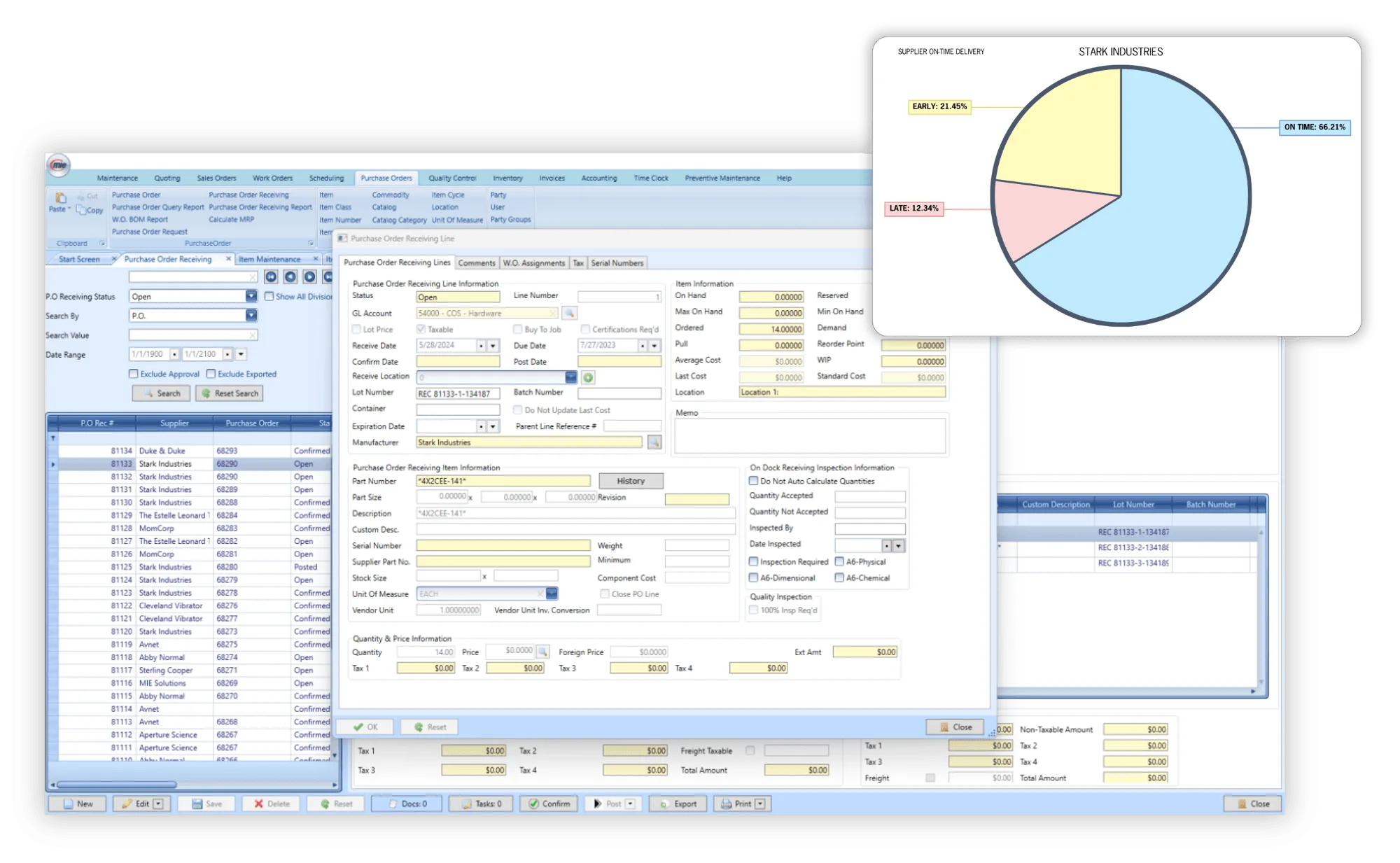

Track your inventory and the information that matters to you, including lot number serialization, locations, remnants, WIP, non-netted, consignment, and more.
Learn more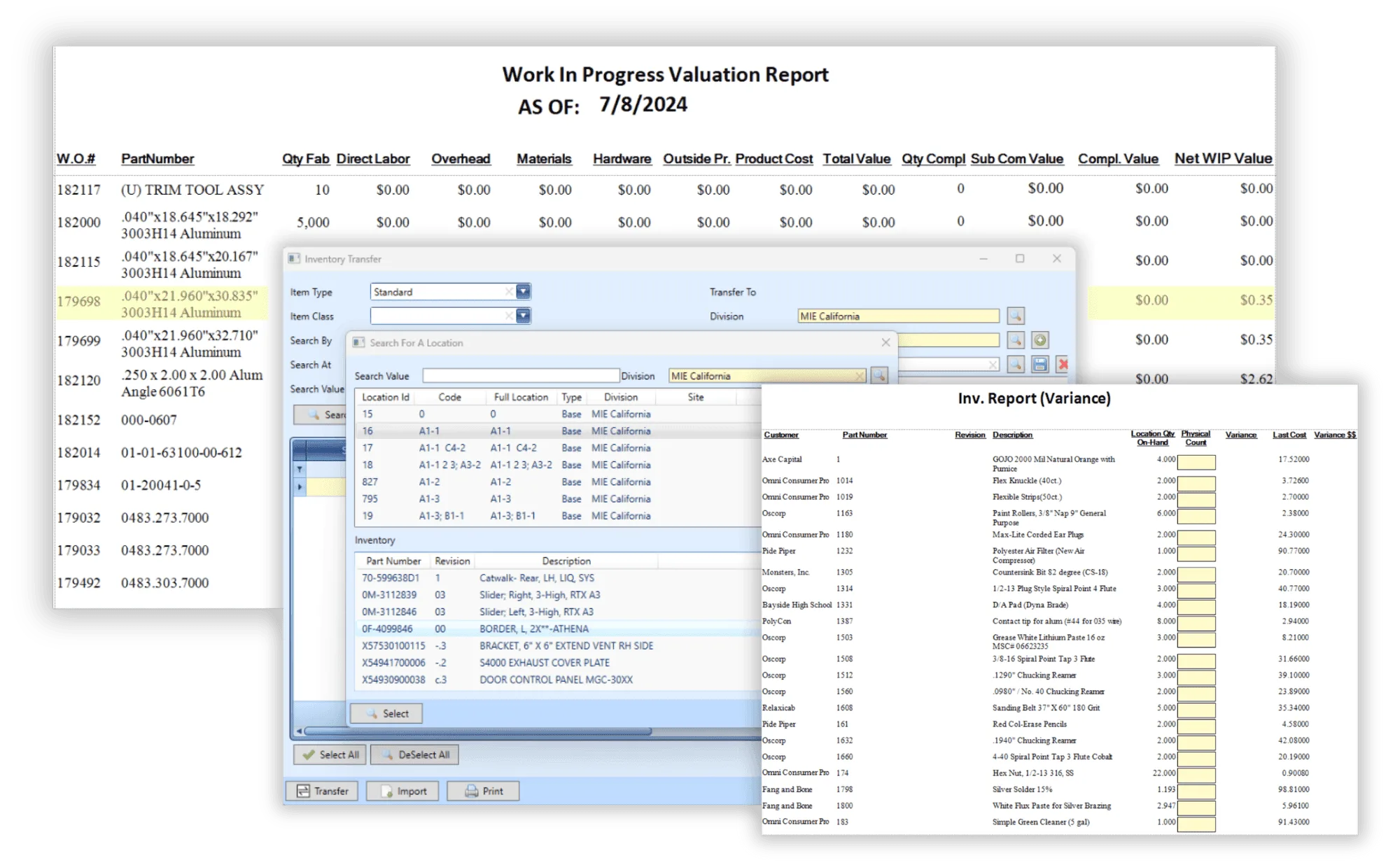

MIE Trak Pro’s built-in quality management system (QMS) allows you to accurately track Corrective and Preventive Action Requests (CPAR), non-conformance, RMAs, and more to pass QC audits with ease.
Learn more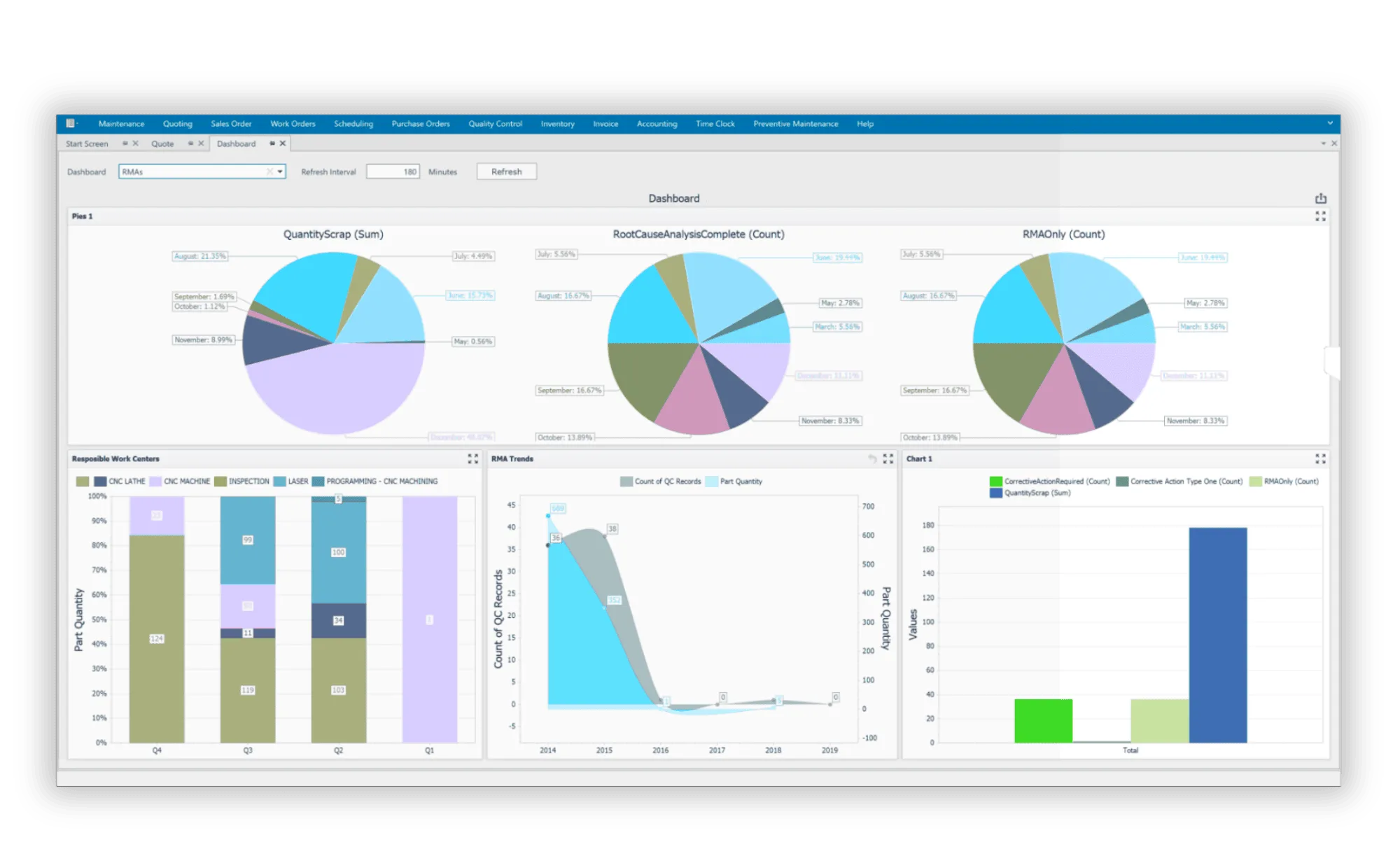

Drive intelligent business decisions by using any of MIE Trak Pro’s standard reports or create personalized queries to get answers to the questions most important to you.
Learn more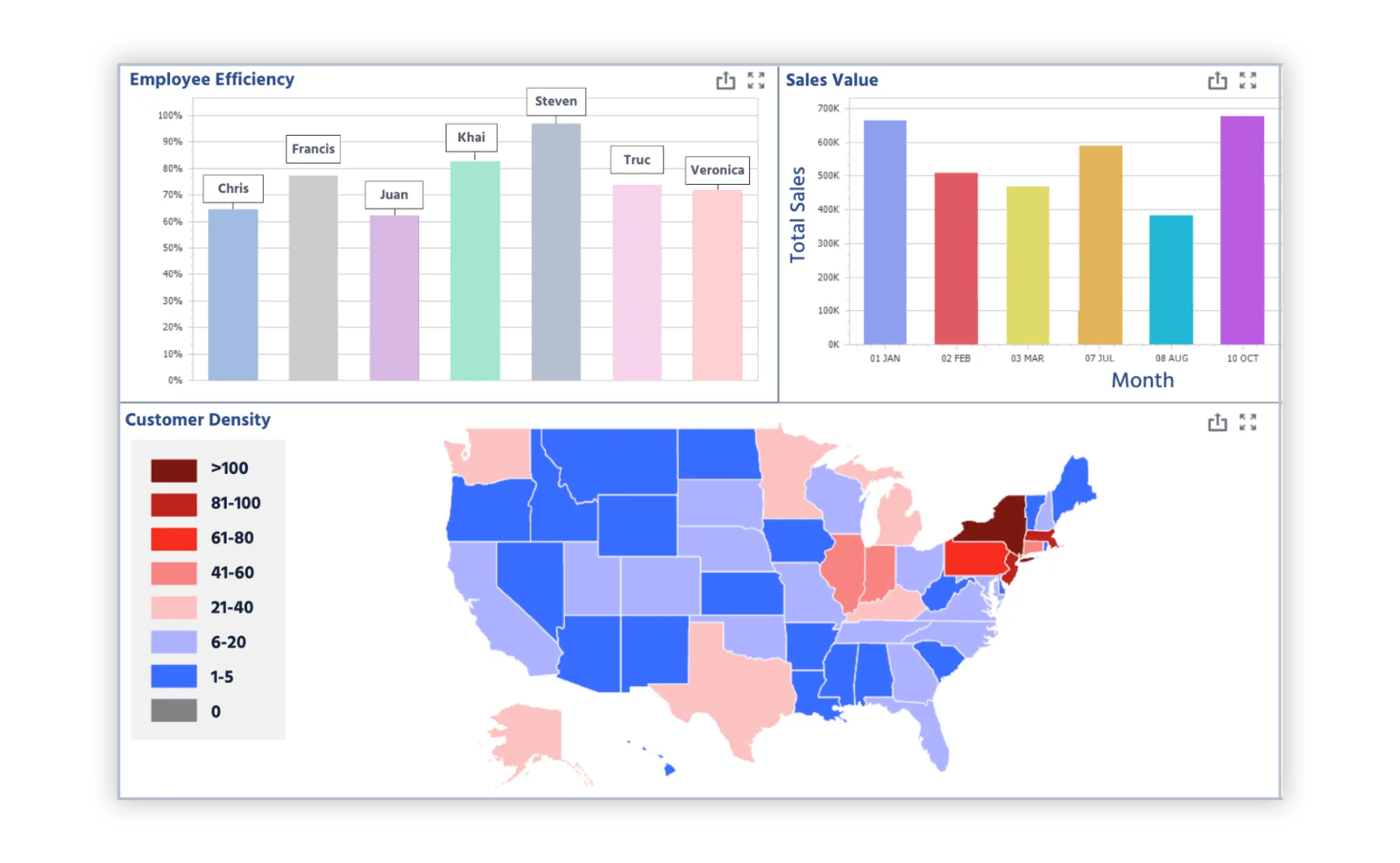

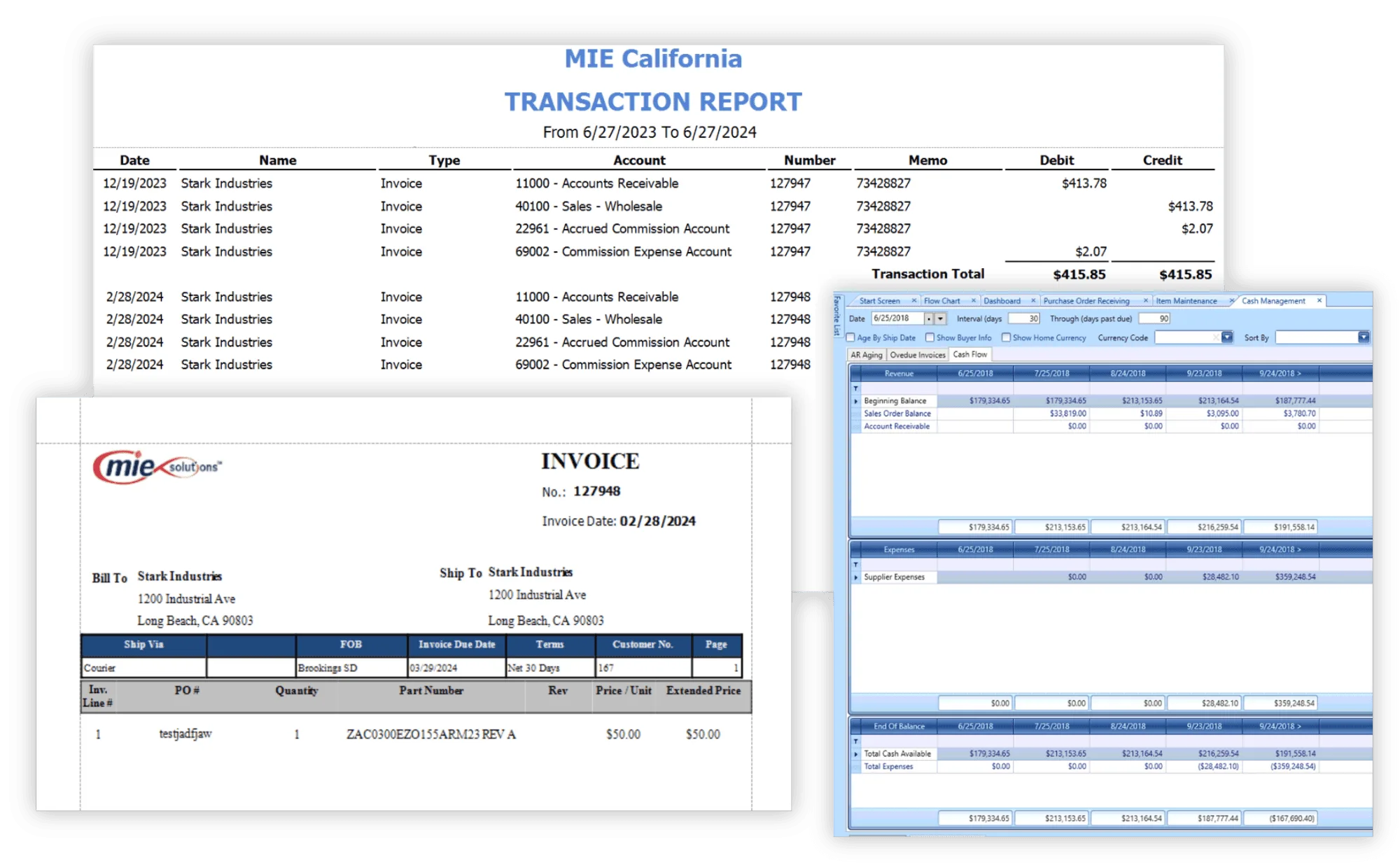
Integrate your accounting practices through MIE Trak Pro. Manage G/L Accounts, journal entries, reports, and cash flow projections, in addition to other critical accounting capabilities.
Learn more